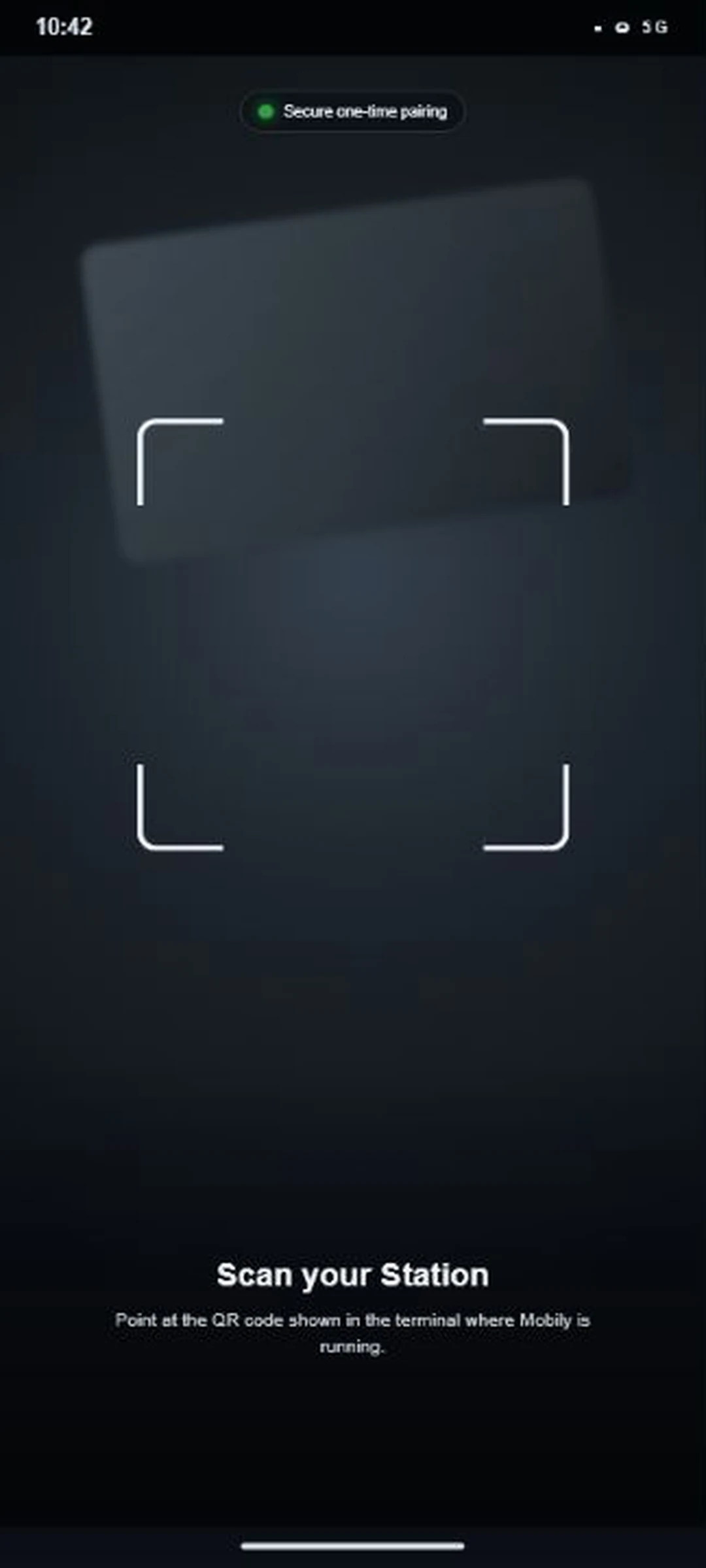
Bind your phone to the terminal.
Scan the one-time QR code. Mobily creates a Device Key in Android Keystore and sends only its public key to the CLI.
Same Session. Same Terminal.
Control the live terminal on your PC from Android securely.
npx mobily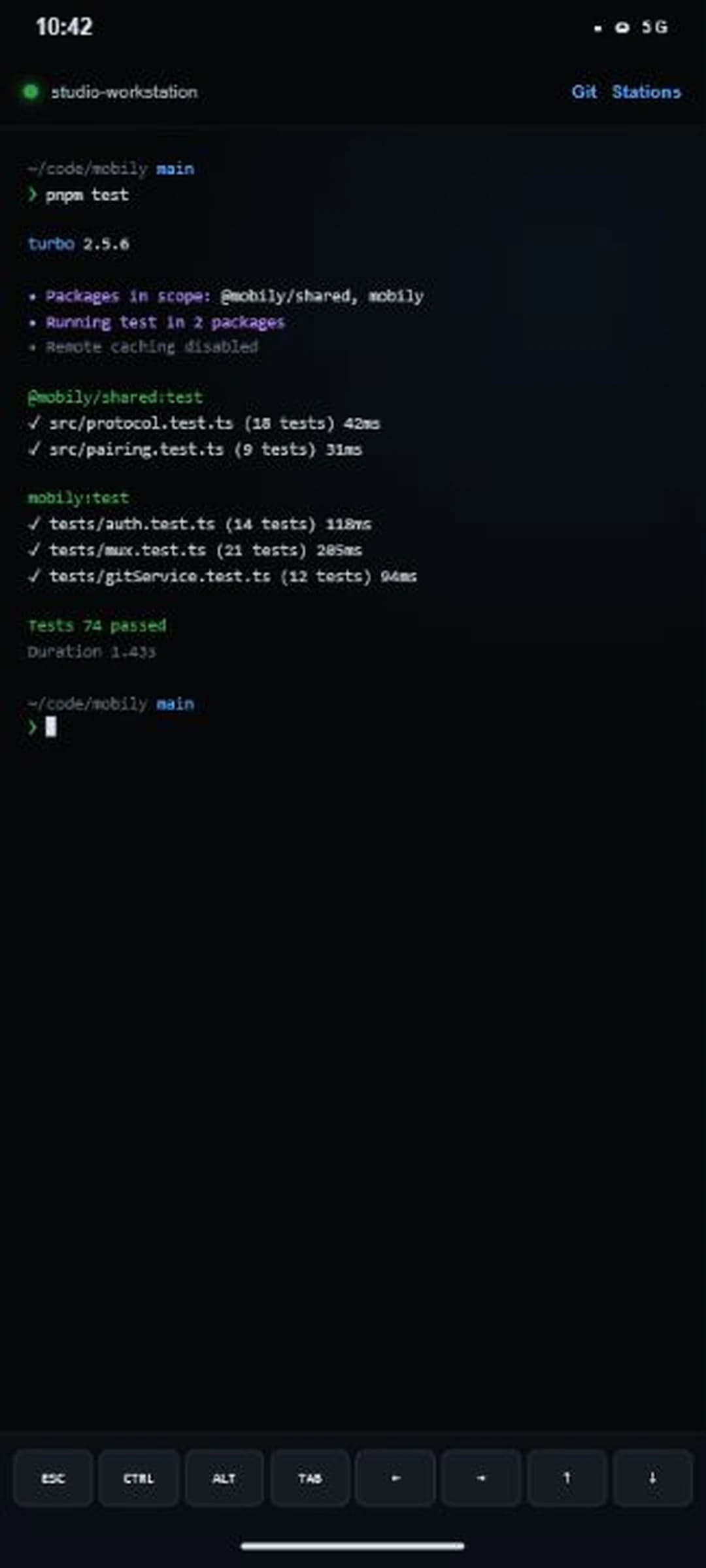
Scan the one-time QR code. Mobily creates a Device Key in Android Keystore and sends only its public key to the CLI.
Receive the current Session Snapshot, send input, use special keys, and answer a waiting prompt from Android.
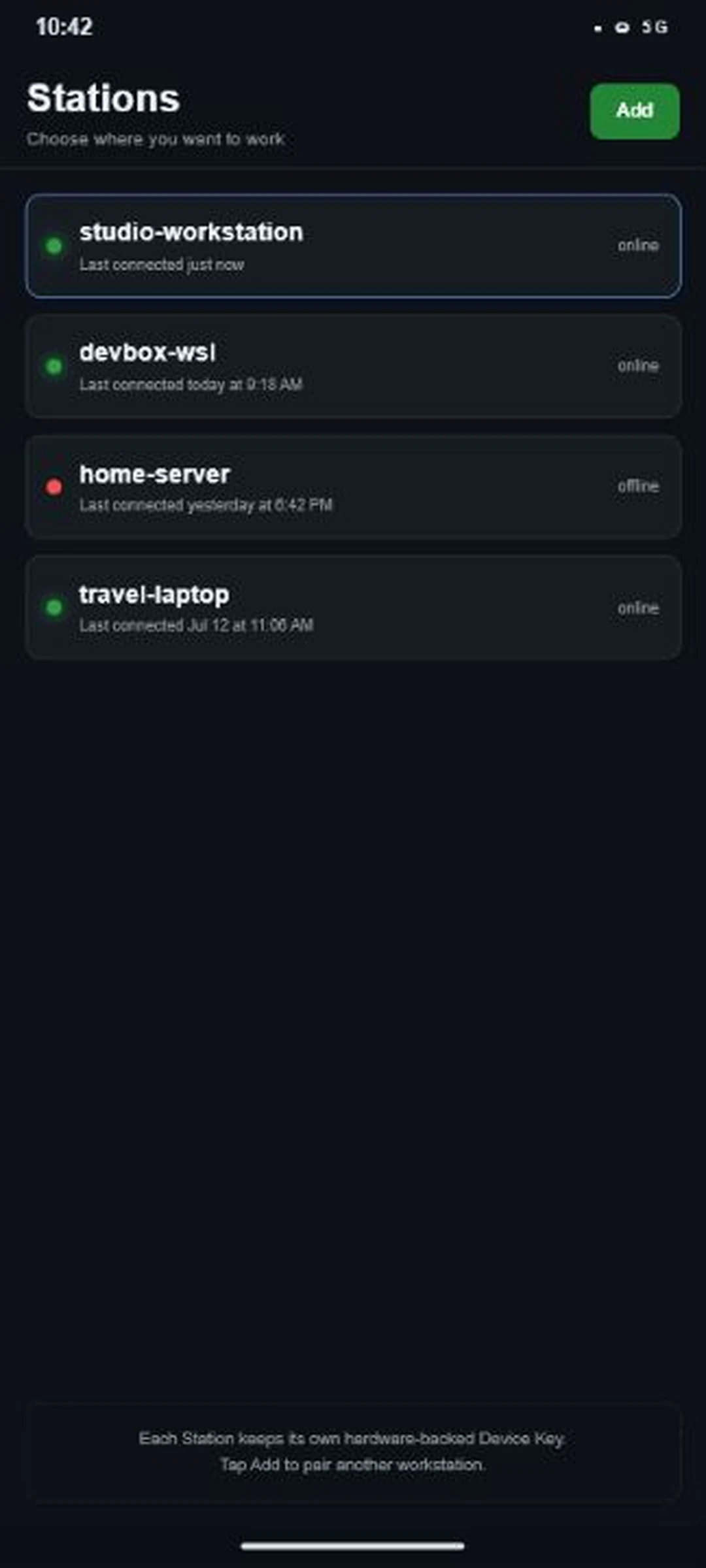
Switch among terminals on your PC, cloud machine, home server, or laptop without scanning the pairing code again.
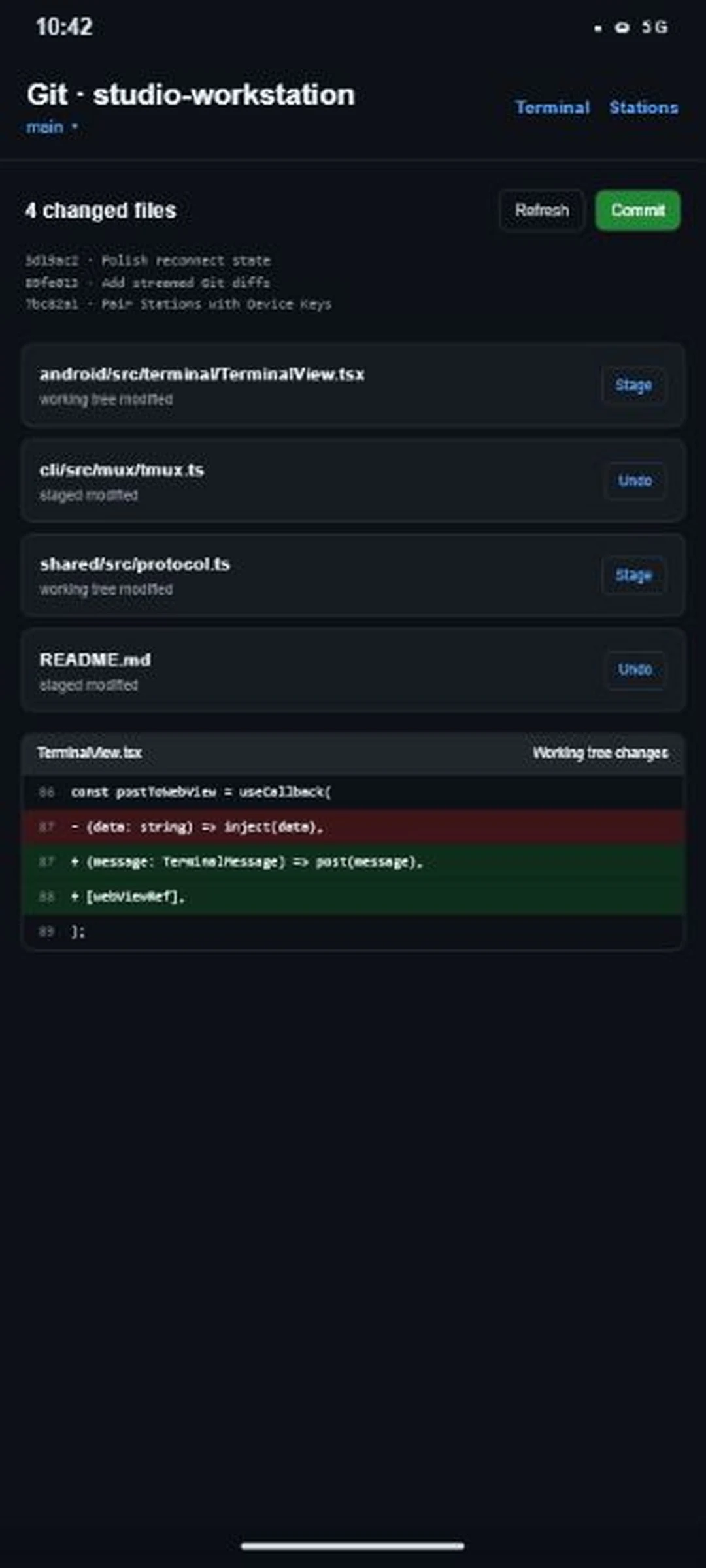
Review diffs, stage or unstage files, switch local branches, and commit from a phone-sized interface.
03 / TRUST MODEL
The private Device Key stays in Android Keystore. Each reconnect signs a fresh challenge; the CLI verifies it before opening the Session.
The CLI receives the Device Key's public key, never the non-exportable private key created by Android Keystore.
Your PC sends a fresh challenge and opens the Session only after Android signs it successfully.
Remote access uses Microsoft Dev Tunnels. Mobily does not operate a relay of its own.
04 / START
Start the CLI on your PC, then install the Android app from GitHub Releases or build it from source. The first Dev Tunnels run guides authentication and setup.
npx mobilypnpm --filter mobily-android android.05 / FAQ
Mobily is intentionally small, explicit, and open. The repository carries the complete technical story.
The mobile client currently targets Android. The Station CLI runs on Node.js 20+ on Linux (including Ubuntu and WSL) and macOS. Native Windows / PowerShell support is planned for a later release.
No. Mobily carries a normal terminal Session, so it works with shells, build tools, editors, coding agents, and other terminal-based workflows.
No Mobily-operated cloud exists. Access currently uses Microsoft Dev Tunnels between your PC and phone.
A tmux-backed Session can survive phone disconnects and CLI restarts. The bare PTY fallback survives phone disconnects only while the CLI process remains alive.
First-time Dev Tunnels setup may ask you to sign in with GitHub or Microsoft. The phone never needs a Microsoft account.
Install the pre-release APK from GitHub Releases, or build the Expo app from this repository (`pnpm --filter mobily-android android` or EAS). New APK builds are attached to GitHub Releases as they ship; tagged `v*` releases publish the `mobily` CLI to npm.